
How to count push-ups with AirPods
You can count push-ups (press-ups, in the UK) with AirPods because they have a motion sensor, and your head rises and falls with every rep. An app reads that motion, picks out the repeating up-and-down pattern and counts each cycle. Your phone can stay in your pocket, and nothing needs to point at you.
Why AirPods can count reps
AirPods Pro, AirPods Max and AirPods (3rd generation and later) contain an accelerometer and a gyroscope. Apple uses them for spatial audio, so the sound stays put when you turn your head. iOS also lets apps read the same motion data, once you give them permission.
In a push-up your head travels with your body: down towards the floor, back up, down again. That gives the motion data a clear, repeating shape. Counting reps comes down to recognising that shape and ignoring everything else, like getting into position or standing up at the end.
What you need
- Headphones with a motion sensor. AirPods Pro (any generation), AirPods 3rd generation and later, AirPods Max, Beats Fit Pro or Powerbeats Pro 2. AirPods 1st and 2nd generation have no motion sensor, so they can’t count.
- An iPhone and an app that supports it. Countless needs iOS 26 or later.
- Motion & Fitness access. iOS asks the first time an app wants to read your headphones’ motion.
How to do it with Countless
- Put your AirPods in and open Countless. The start screen shows when your headphones are connected.
- Tap Start and get down. The phone can stay in your pocket or lie nearby.
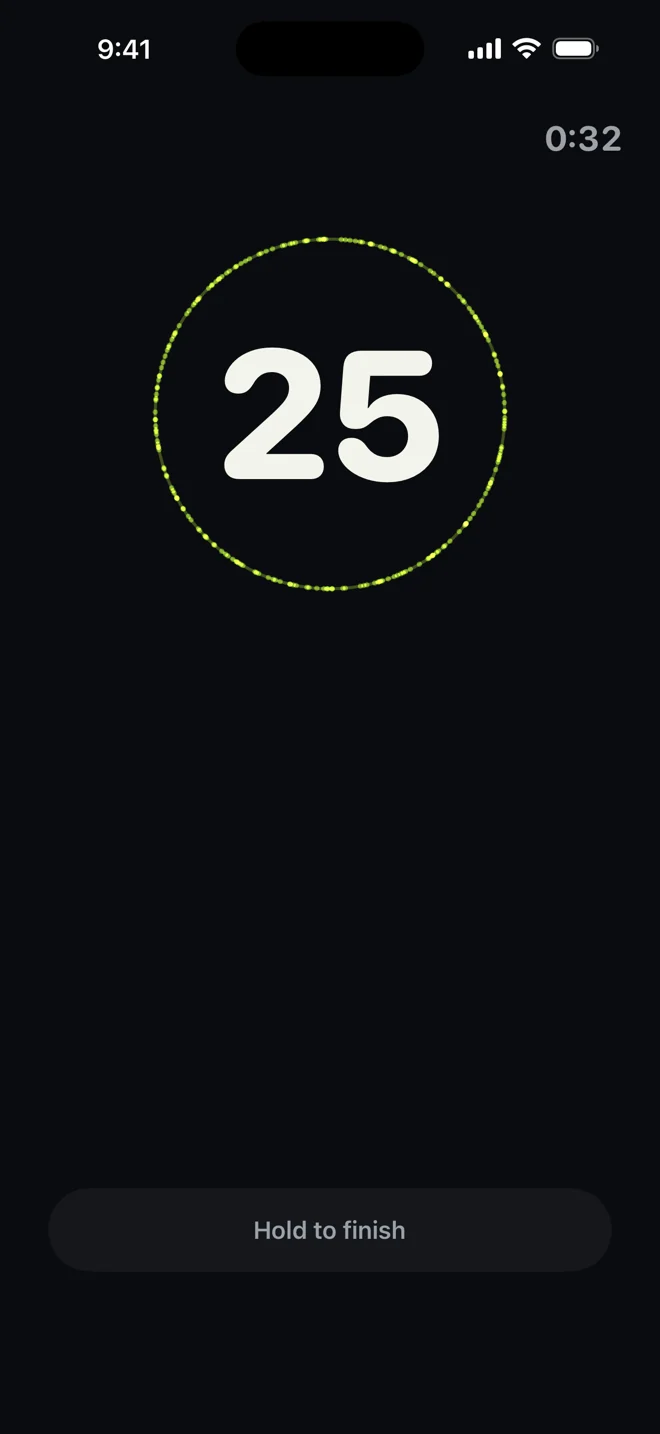
- Do your push-ups. You hear a quiet tick at the bottom of every rep and a marker on every tenth, and the count is on screen if you want to check it.
- Stop when you’re done. The set ends on its own and is saved with its reps, time and tempo.
Countless keeps counting with the screen off. Counting is free, with no account and no ads. The optional Pro plan adds your full history, records and trends.
How it compares with other ways to count
| Method | What you need | Trade-off |
|---|---|---|
| Counting out loud or on paper | Nothing | You lose count when you’re tired, and you still have to write the total down. |
| Camera-based apps | Phone propped up with you in frame, and camera access | Setup before every session, and the angle and lighting matter. |
| Tap and proximity counters | Phone on the floor under your chest or face | The phone has to sit right under you every time. |
| Head-motion counting | Compatible earbuds in your ears, phone anywhere | The count is an estimate, and it needs the right headphones. |
How accurate is it?
Close, not perfect. The count comes from head motion, so it is an estimate. A rep can be missed, or movement while you get into position can occasionally be counted. When it is off, it is usually by a rep at the start or end of a set. If the number is wrong, you can correct it in one tap after the set.
A few things help:
- Listen for the tick. One tick per rep is the quickest way to notice that a rep wasn’t picked up.
- Start when you’re ready. There’s nothing to calibrate. Tap Start and go.
- Check between sets. The count is large enough to read from the floor, so a glance tells you where you are.
Common questions
Does it use the camera or microphone?
No. It reads the motion sensor in your headphones. The only audio is the short tick it plays for you.
Do I need AirPods Pro?
No. Any AirPods with a motion sensor work: AirPods Pro, AirPods 3rd generation and later, and AirPods Max, plus Beats Fit Pro and Powerbeats Pro 2.
Is counting free?
Yes. Counting has no trial period and no limit, and you always keep your last seven days of history. Pro is optional. See the FAQ for the details.
What if I don’t have compatible headphones?
You can still log a set by hand in Countless, but automatic counting needs the motion sensor.